Google’s new Agentic Era is here
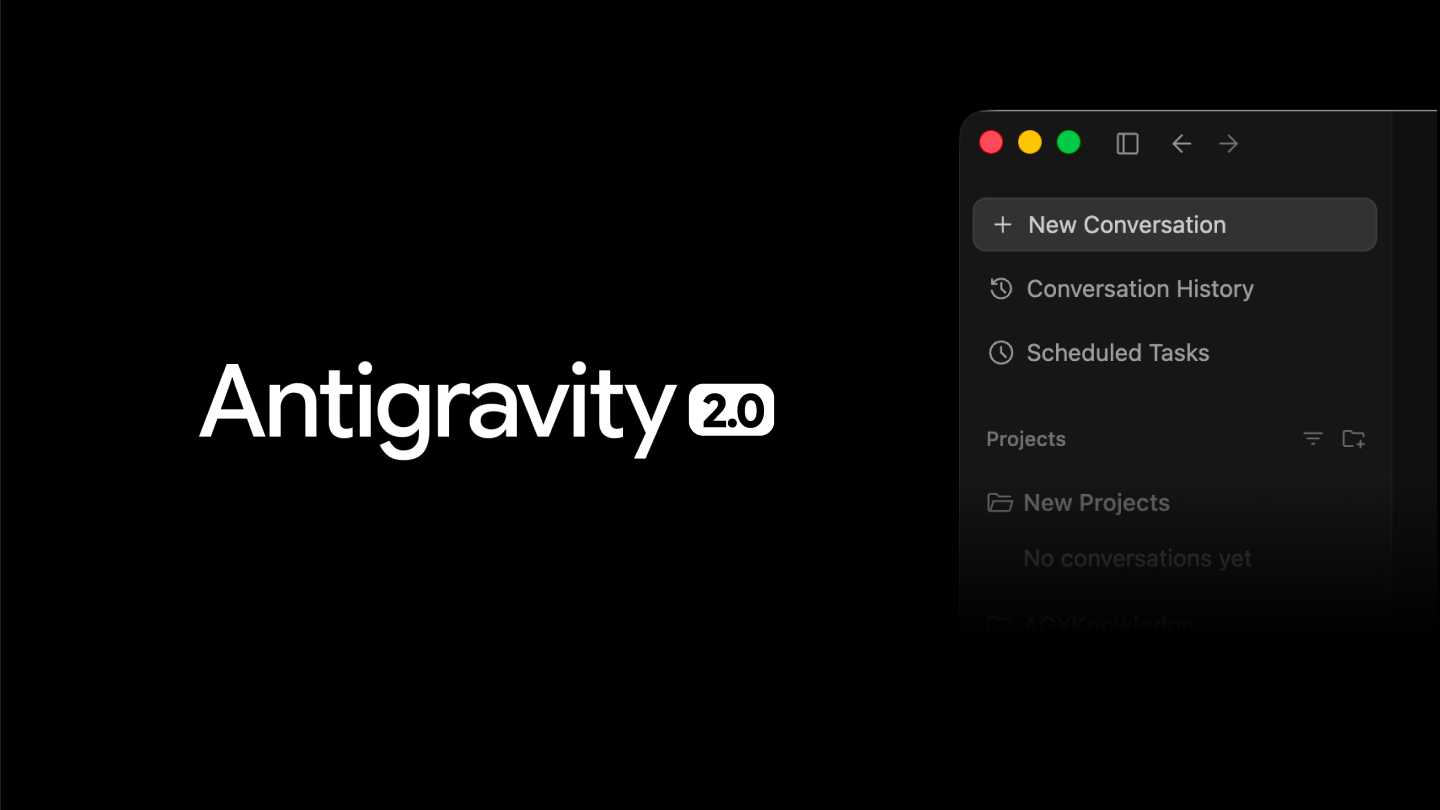
Google launched Antigravity 2.0 on May 20 at Google I/O, a new platform for orchestrating AI agents. The app promises a simple, direct interface, focused solely on the conversation process during development.
The goal here is to keep the code in the background, where subagents dynamically handle implementing what you need, leaving you to think only about what you want to do.
You can create scheduled tasks, extend customization by creating skills, and specific agents to solve your problems. The entire process is documented through “Artifacts”, where agents share snapshots with you of what they’re doing and what they want to do.
How can I test it?
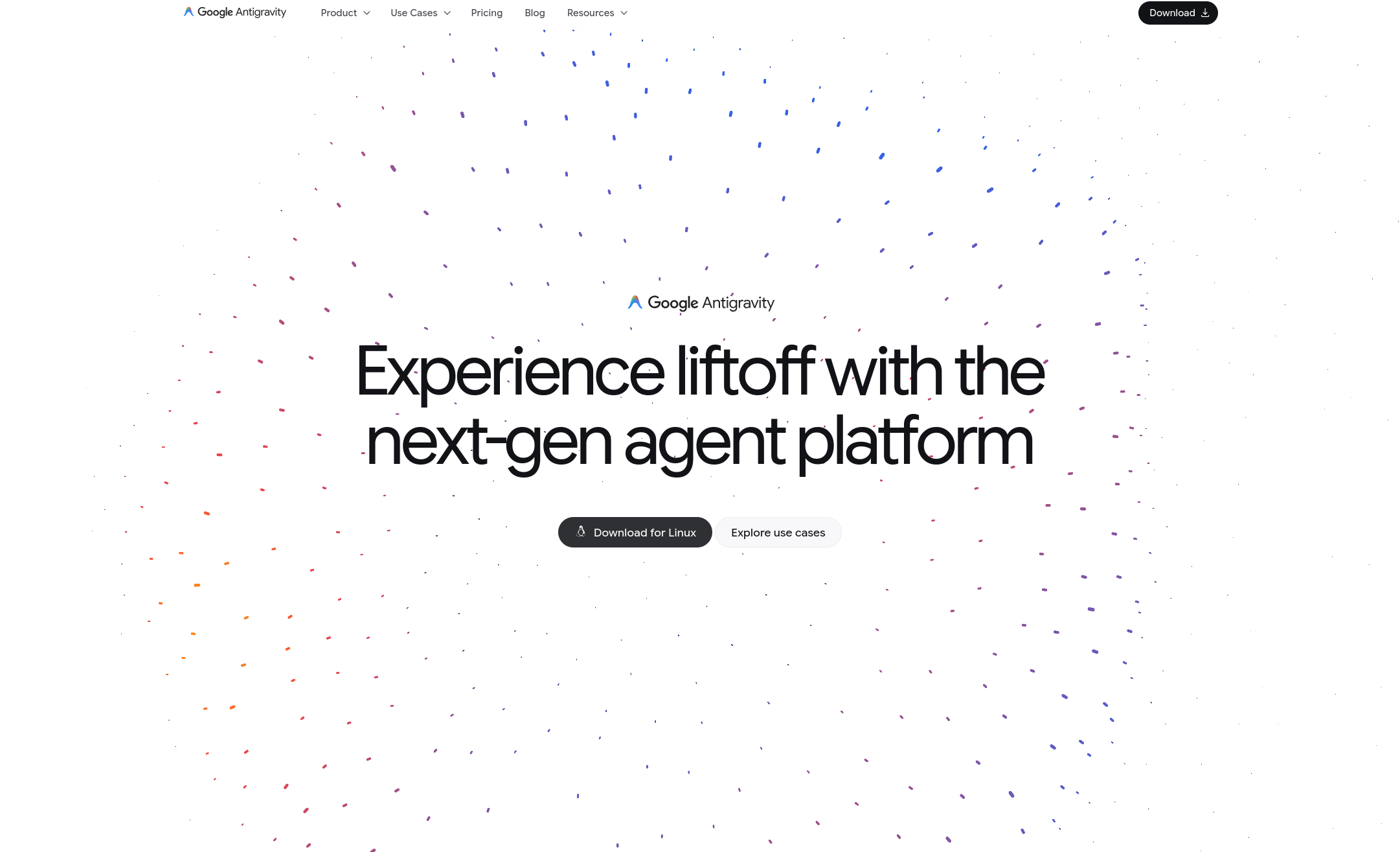
The installation process is not like a typical application, as it doesn’t have an installer. Instead, you download a binary and run it directly.
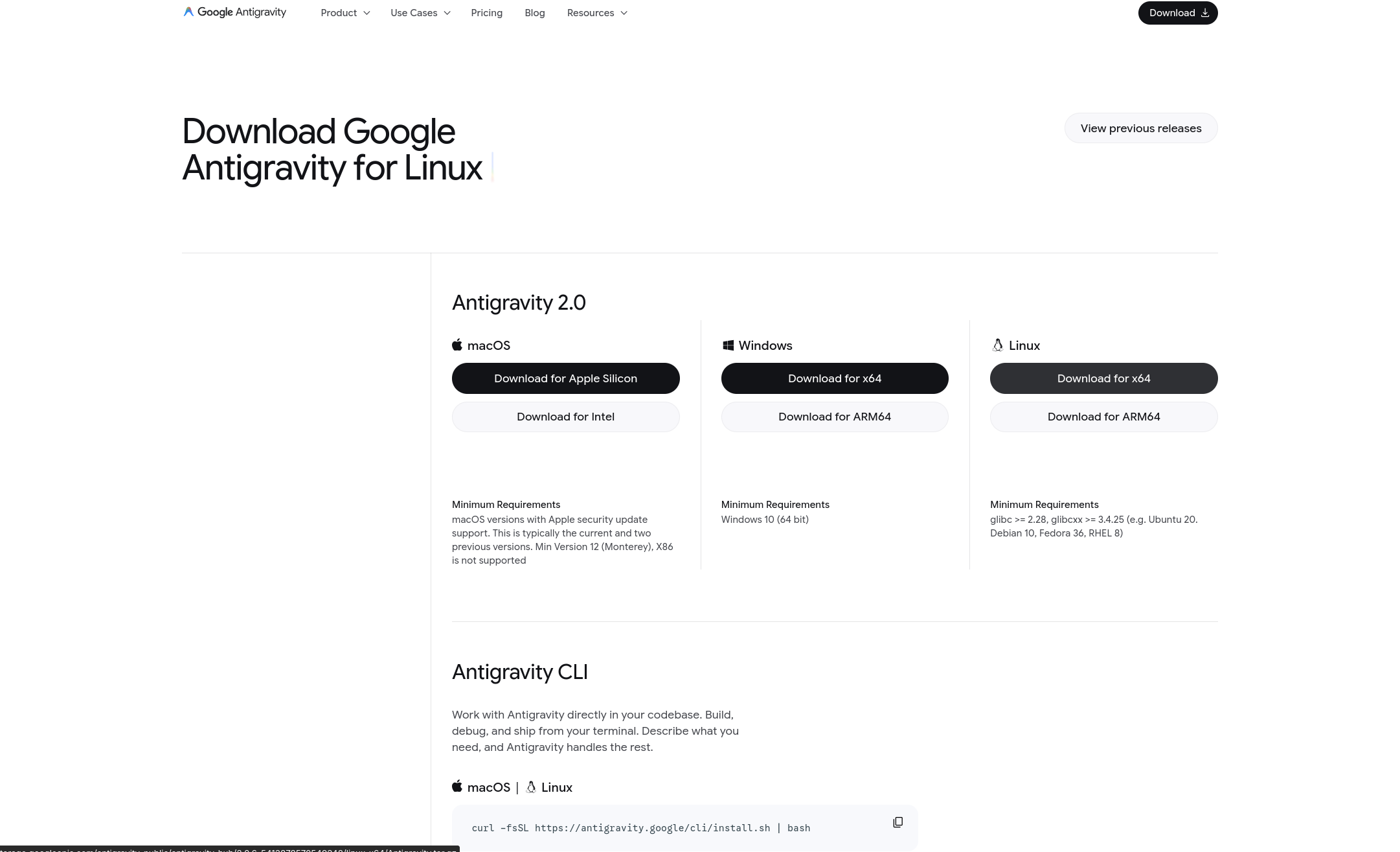
You can download this file here: https://antigravity.google/download .
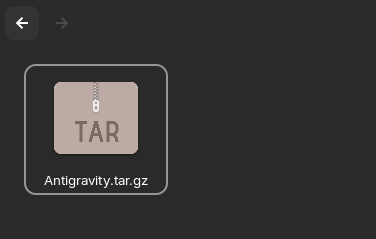
After downloading, a compressed file called Antigravity.tar.gz will appear. We need to extract this file to access the contents:
tar -xzf Antigravity.tar.gz -C .
After extraction, a folder called Antigravity-2.0 will appear next to the compressed folder. Now, we’ll move it to where applications are located. Usually it’s ~/apps.
mv ~/Downloads/Antigravity-2.0 ~/apps/Antigravity-2.0
Now, we can navigate to that folder so we can download the icon to create an executable:
cd ~/apps/Antigravity-2.0/resources
The icon we’ll use is the one provided on their website, but feel free to use any other.
wget -O ./app.png https://antigravity.google/assets/image/brand/antigravity-icon__full-color.png
Now, we’ll tell the system that we have a new app, which icon it has, what name it has, and which executable should run. For this, we need to create a .desktop app:
nano ~/.local/share/applications/antigravity-2.0.desktop
Inside this .desktop app paste the code below:
[Desktop Entry]
Name=Antigravity 2.0
Comment=Google Antigravity 2.0 (Agents and IDE)
Exec=/home/{your username}/apps/Antigravity-2.0/antigravity
Icon=/home/{your username}/apps/Antigravity-2.0/resources/app.png
Terminal=false
Type=Application
Categories=Development;IDE;
StartupWMClass=Antigravity
Note that in the exec and Icon you need to add your username. You can find out your username by typing echo $USER in the terminal.
Done, now just restart the apps list:
update-desktop-database ~/.local/share/applications
Phew, we’re all set!
This process should be simplified in the coming weeks, with installation executables becoming available. According to Google, Antigravity 2.0 is not yet available to everyone, being released gradually by region and account.